
Upload your photo
Choose a JPEG, PNG or WebP image up to 10 MB, or continue directly from our watermark remover.
Enlarge and enhance your photos without losing quality. Restore fine textures, boost clarity, and remove pixelation with cutting-edge AI super-resolution.
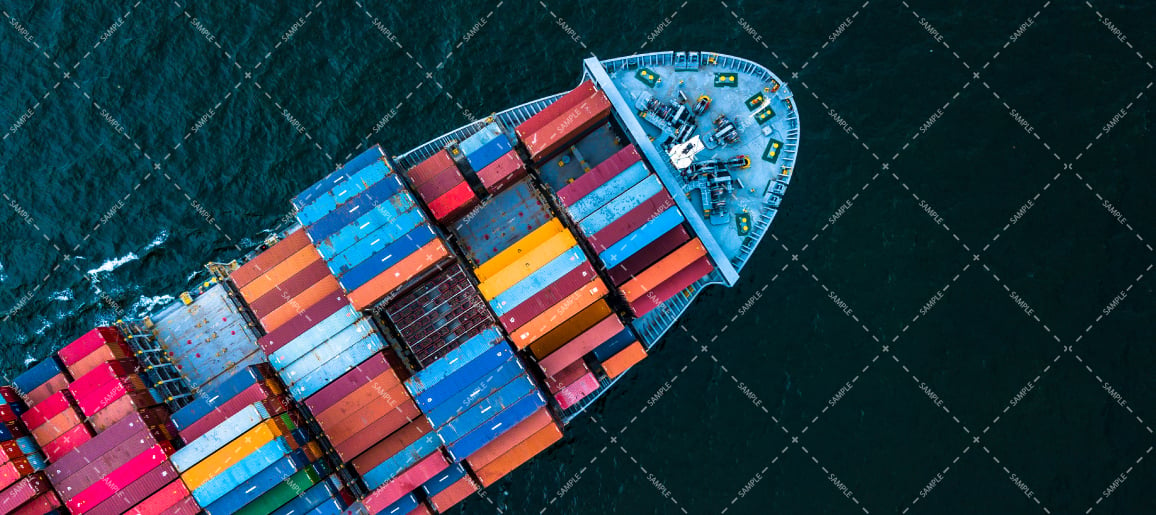
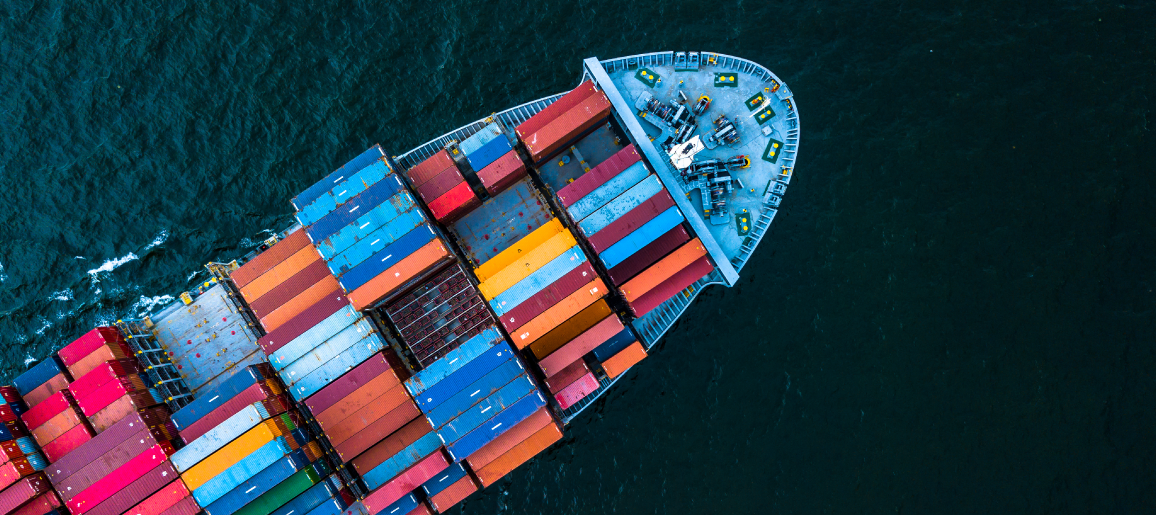
Compare the original with the processed result, inspect the repaired area, and download only when the output looks right.
Try it freeChoose a JPEG, PNG or WebP image up to 10 MB, or continue directly from our watermark remover.
Our neural network predicts missing high-frequency details, sharpens edges, and removes JPEG artifacts.
Inspect the upscaled output with the interactive zoom slider, then download the full-resolution image.
Upload any low-res or compressed photo, select upscaling, and let our AI reconstruct crisp details, reduce noise, and export an ultra-sharp high-DPI image.
Turn grainy, low-res images into crystal clear 4K visuals suitable for print and Retina displays.
Synthesizes realistic skin, hair, fabric, and background textures rather than simply blurring pixels.
Process high-resolution enhancements in seconds with GPU-accelerated inference pipelines.
Choose the Erace tool that matches the photo or video task you are working on.
Remove a watermark nowAI upscaling uses deep learning models to predict and fill in missing pixels, increasing image dimensions while adding authentic detail rather than pixelated scaling.
Yes! When you remove a watermark in Erace, simply click the Upscale Image button to automatically load your result into this tool without re-uploading.
Erace can upscale images up to 4x their original dimensions, outputting resolutions up to 4096×4096 px.
Image upscaling uses 3 credits per generation. Starter accounts include 20 free credits.
Upload your media, review the AI result, and keep control of what you download.