
Free AI Object Remover:
Remove Anything from Photos Online
Erase unwanted objects, people, logos, text, and watermarks in seconds. Fast, watermark-free, and no registration needed.
Supports JPEG, PNG, WebP up to 10MB
Free AI Object Remover
Erase unwanted objects, people, logos, text, or blemishes cleanly with smart AI inpainting.
What Can Erace.io Remove?
From accidental photobombers to stubborn logos, Erace cleans up your shots instantly.
Portraits & Selfies
Remove skin blemishes, glare, photobombers, or background clutter without ruining face details.
Travel & Landscapes
Erase trash cans, tourists, power lines, and unwanted signs from your vacation memories.
Product Images
Clean e-commerce product photos by erasing price tags, labels, barcode stamps, and shadows.
Text & Date Stamps
Eliminate digital camera date marks, copyright notices, and subtitles from graphics seamlessly.
Logos & Watermarks
Remove watermarks, brand logos, and stock stamps while maintaining authentic image texture.
The Ultimate AI Object Remover for Instant Photo Cleanup
Drag the slider to see how AI reconstructs covered textures naturally without blurry artifacts.
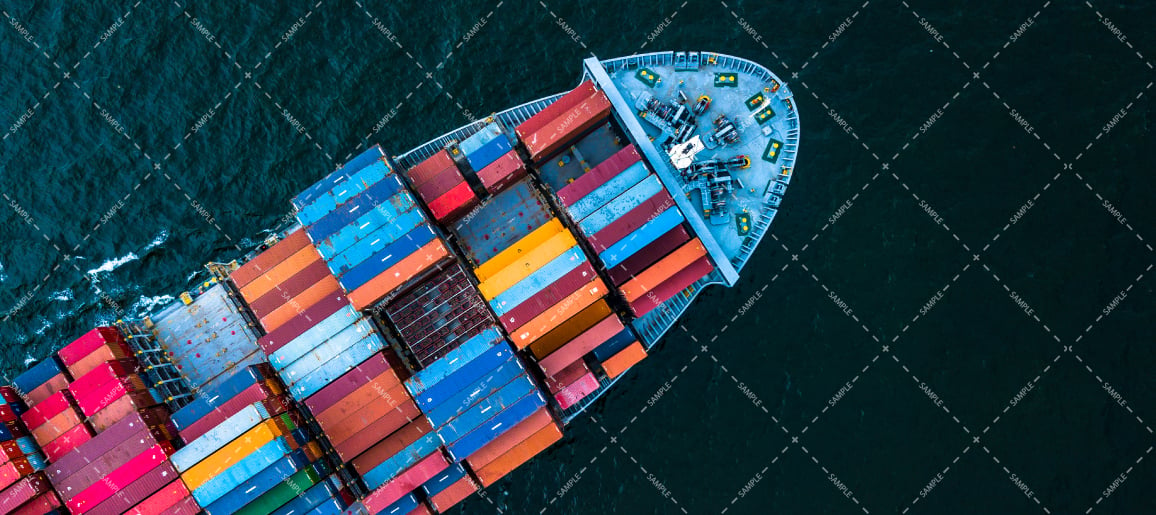
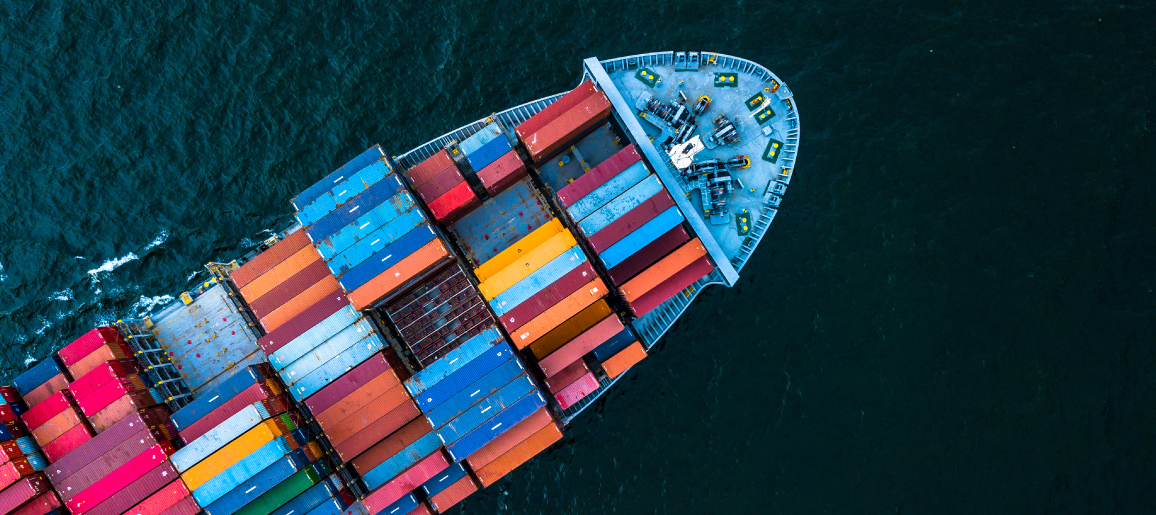
Remove People from Backgrounds Effortlessly
Whether it's an overcrowded tourist destination or an unexpected photobomber in your favorite snapshot, Erace.io allows you to brush over strangers and make them vanish seamlessly into the scenery.
- Preserves background architecture, nature, and perspective
- Smooth edge blending with no halo artifacts
- Works on single tourists or entire background crowds

Erase Text, Dates & Stickers Seamlessly
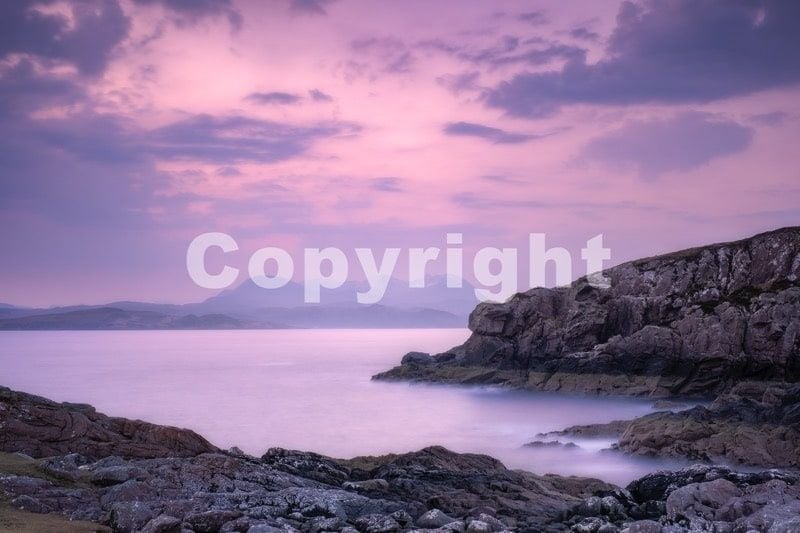
Subtitles, timestamps, captions, and stickers distract from otherwise perfect photos. Highlight the text with the brush and watch the background reconstruct in milliseconds.
- Detects complex typography and transparent font outlines
- Ideal for memes, social banners, and digital photography
- Generates clean, ready-to-share high resolution photos
How to clean up Photos in 4 Simple Steps?
Professional photo retouching used to take hours. Now it takes four effortless clicks.
Upload your photo
Drag and drop any JPEG, PNG, or WebP photo up to 10MB into the Erace.io workspace.
Brush over the mark
Use the adjustable brush to highlight the unwanted person, watermark, text, or blemish.
Let AI erase it
Click Erase. Our generative AI analyzes surrounding pixels to seamlessly fill the area.
Download your result
Inspect the before/after preview, then download your clean photo in standard or full HD quality.
Why Erace.io is the Best AI Remover?
See how Erace.io compares to traditional editing software and outdated removal tools.
| Features | Erace.io AI | Photoshop / Desktop | Basic Online Apps |
|---|---|---|---|
| Interactive Brush Inpainting | Yes (Realtime) | Yes (Manual) | Auto Only |
| No Login Required to Start | Yes | No ($20+/mo) | Forces Sign Up |
| High-Definition (HD) 4K Export | Lossless | Lossless | Low Res Blurry |
| Processing Speed | ⚡ Under 1 Second | ⏳ 5 - 15 Minutes | ⏳ 10 - 30 Seconds |
| Watermark-Free Output | 100% Clean | Clean | Adds Watermark |
Frequently Asked Questions
Everything you need to know about Erace.io, credits, and photo rights.
What is Erace.io and how does it work?
Erace.io is an AI-powered photo editing tool that removes unwanted objects, people, logos, text, or watermarks. When you paint over an area with the brush, our inpainting model analyzes surrounding pixels, colors, and textures to fill in the space naturally without leaving a trace.
Is Erace.io really free to use?
Yes! Erace.io is free to start with no login required. Every user receives free daily chances for both manual brush inpainting and auto removal. Standard resolution images can be downloaded for free without any watermark.
How do I download high-definition (HD) photos?
Free downloads export in standard web quality. If you require original lossless resolution (HD / 4K) for professional printing or e-commerce, you can upgrade to a monthly plan or purchase a one-time credits package.
Which image formats and file sizes are supported?
Erace.io supports JPEG, PNG, and WebP image formats up to 10MB in size.
Are my uploaded images kept private and secure?
Yes. We respect your privacy. Images are processed securely in memory and temporary storage, and are never shared or used to train public models. You can delete your processed tasks anytime from History.